
The notch was the most expensive pixel on your Mac. Now it works.
Islora opens from the notch with everything you reach for all day, then keeps going: its own Dock, its own lock screen, a clipboard line, a file wheel, search, an assistant, window tiling. One app instead of ten.
Move the pointer to the notch, or press ⌘ three times. Swipe to the second page of widgets; right-click to arrange them. 30+ widgets, any size from 1×1 to 6×3, on up to 12 pages.
- $19.99 onceno subscription, up to 3 Macs
- No accountno cloud, no analytics
- macOS 14+Apple silicon and Intel
- Ready on first launchno setup, no permission wall
Closed, it is still alive.
The island greets you, swallows a notification, reaches for a file you drag near it, and tells you when a timer is done or the charger is in. Volume and brightness show here instead of the big macOS overlay.
Everything you copy, hung on a line.
Copy any text on this page and watch it arrive. Pictures, text, links and files each get their own rope, newest first, one click to paste back. Password managers' secrets are never kept.
Shake a file. A wheel opens.
Drag any file and give it a little shake: shelf, convert, zip, mail, copy, move, Terminal, AirDrop, all around your pointer. Drop on Convert and it compresses, resizes, changes format, removes a background or strips location data, in batch.
Spotlight, but it finds the file.
Islora Search takes ⌘Space with its own index of your disks: newest first, filters you can type, and a voice mode when you hold the shortcut. Paste a list of twenty names and Bulk Search finds them all at once.
Say what you want done. It does it, on your Mac.
“Put Chrome and Claude side by side” opens whichever is closed and tiles them. “Make these Instagram story and square”, “zip them”, “remind me tomorrow at 9”. Instant, no AI service, nothing leaves the Mac, and every file job can be undone for 24 hours.
A Dock that finally does more than launch apps.
Pages you swipe, groups, folder stacks, live window previews, widgets for water, music, weather and markets, a locked right side, profiles and five pointer effects. On first launch it copies your macOS Dock, so nothing is lost. Windows you zoom stop above it, as they should.
Someone lives on your Dock.
A cat, a poodle, a lion cub, a canary or an eaglet walks the Dock, naps, chases yarn, paws at an app that just got a badge and sulks if you ignore it. Click to pet, drag to carry, ⌥-click and it runs there.
A lock screen with depth. On a Mac.
Pick a photo and a depth model running on your Mac puts the clock behind the mountain, like on an iPhone. Eight clock faces, video backgrounds, widgets you choose. macOS still does the locking; Islora never sees your password.
It notices who is looking. And where you are looking.
In a café, the camera counts the faces turned to your screen and draws a curtain when there is a second one. With AirPods and two displays, the one you face stays sharp and the other dims. Step away and the screens go dark. Nothing is recorded.
Windows go where you put them.
Drag a window and tap ⇧ or ⌘: a wheel of eight places opens under the pointer, halves, thirds, two-thirds, full; let go on one. ⌥Tab shows every window, not just every app, minimized and hidden ones included.
Screenshots, cleaned before you share them.
After ⇧⌘2 the editor is already open: a background and frame in one click, arrows, boxes, highlights, text, and one button that finds and covers e-mail addresses, phone numbers, IBANs and card numbers. ⇧⌘1 lifts the text out of anything on screen, Turkish or English.
Music, with the words.
Spotify and Apple Music in the notch, a floating player when you want it, lyrics that follow the song, and what is up next. The island takes its color from the cover.
Find the gigabytes. Only when you ask.
A disk map you can walk into, caches and developer leftovers, old downloads, iPhone update files, duplicates, large files, an uninstaller that takes the leftovers too, and the apps that start with your Mac. No admin password, open apps' caches are skipped, and anything that is not a cache goes to the Trash.
Keeping the macOS Dock? It gets cards.
If you would rather keep Apple's Dock, Islora sets live cards beside it: weather, music, what plays in your browser, markets, calendar, reminders, a note, a timer.
And the tabs you will use every day.
Straight from the app, nothing redrawn.
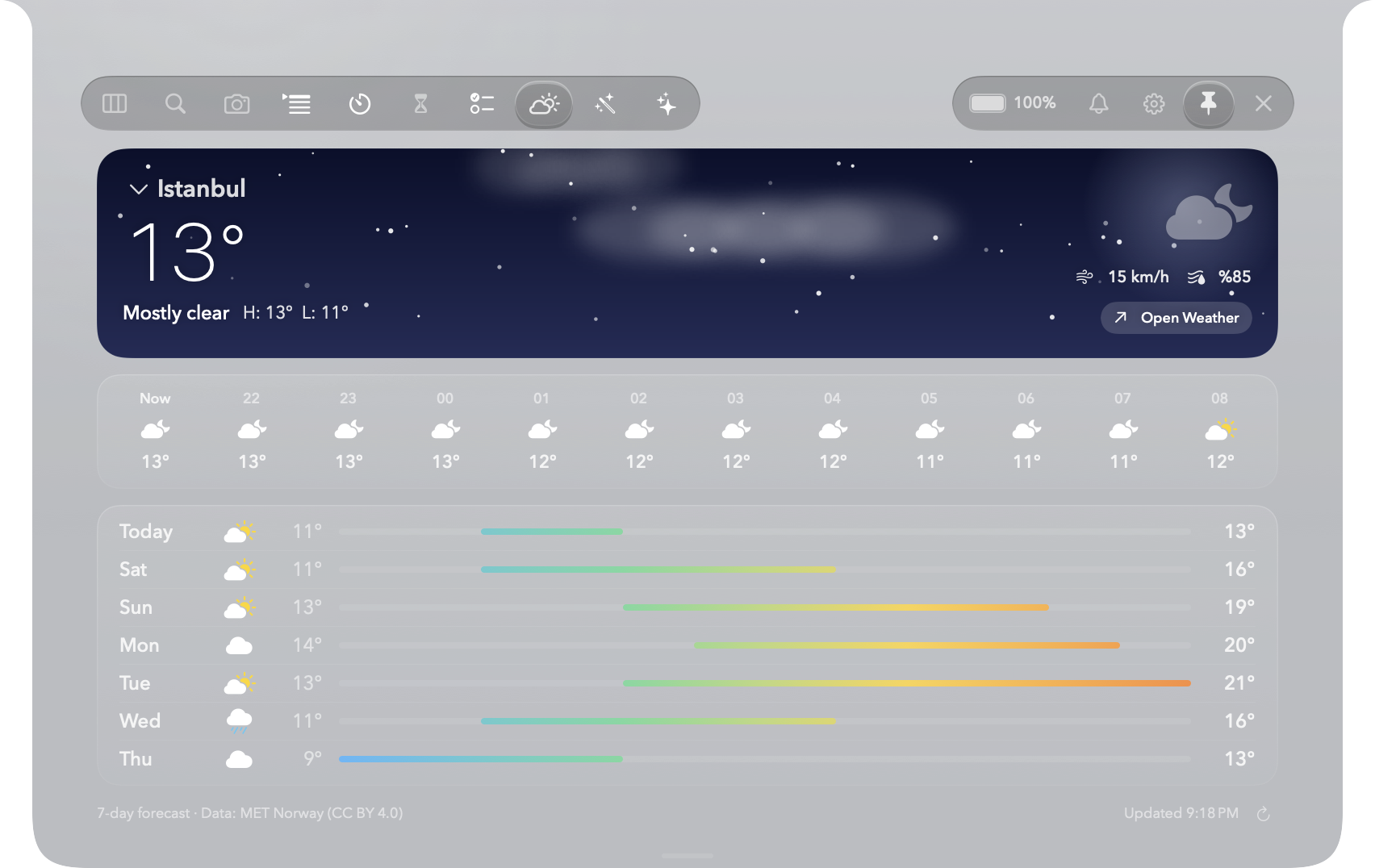
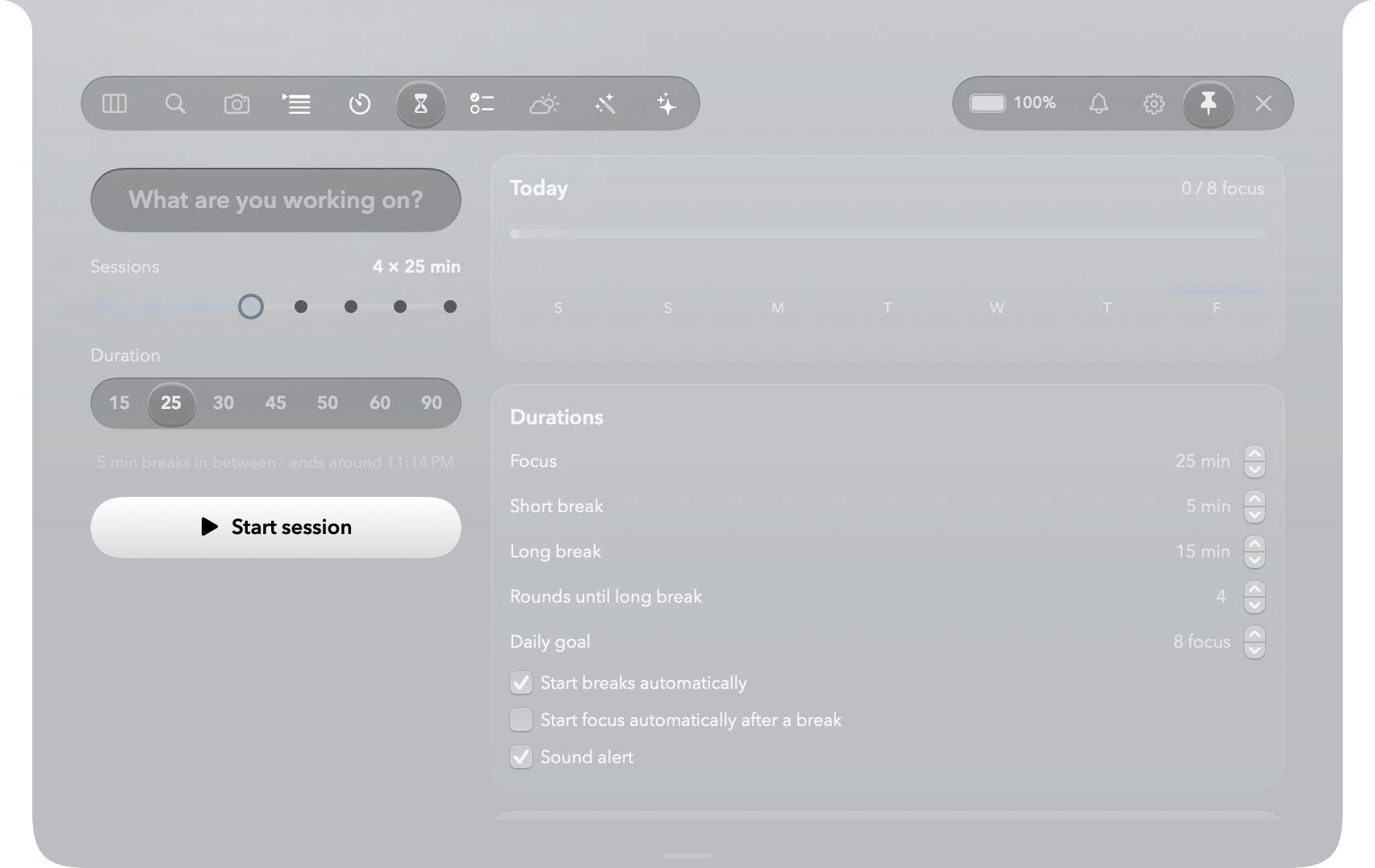
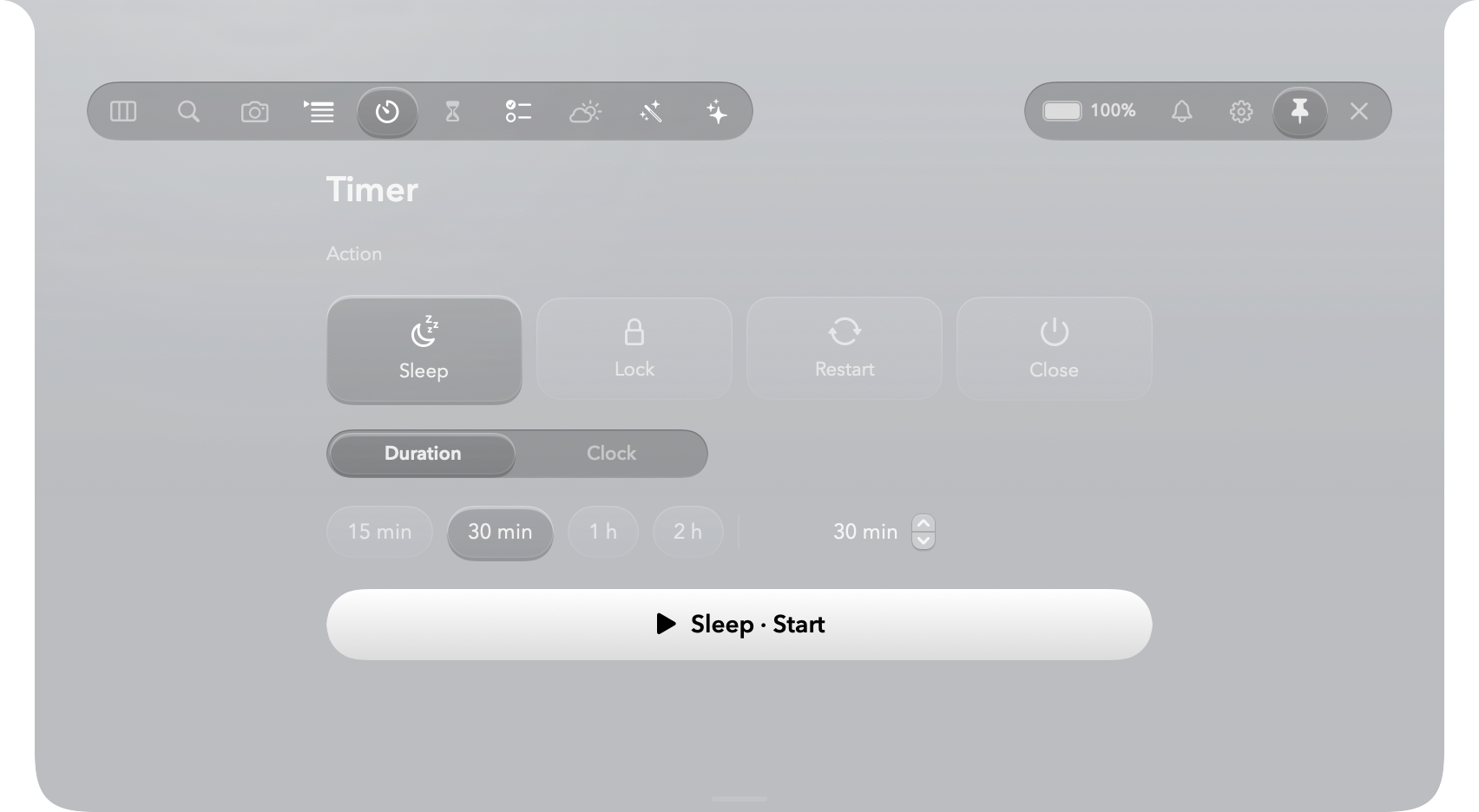
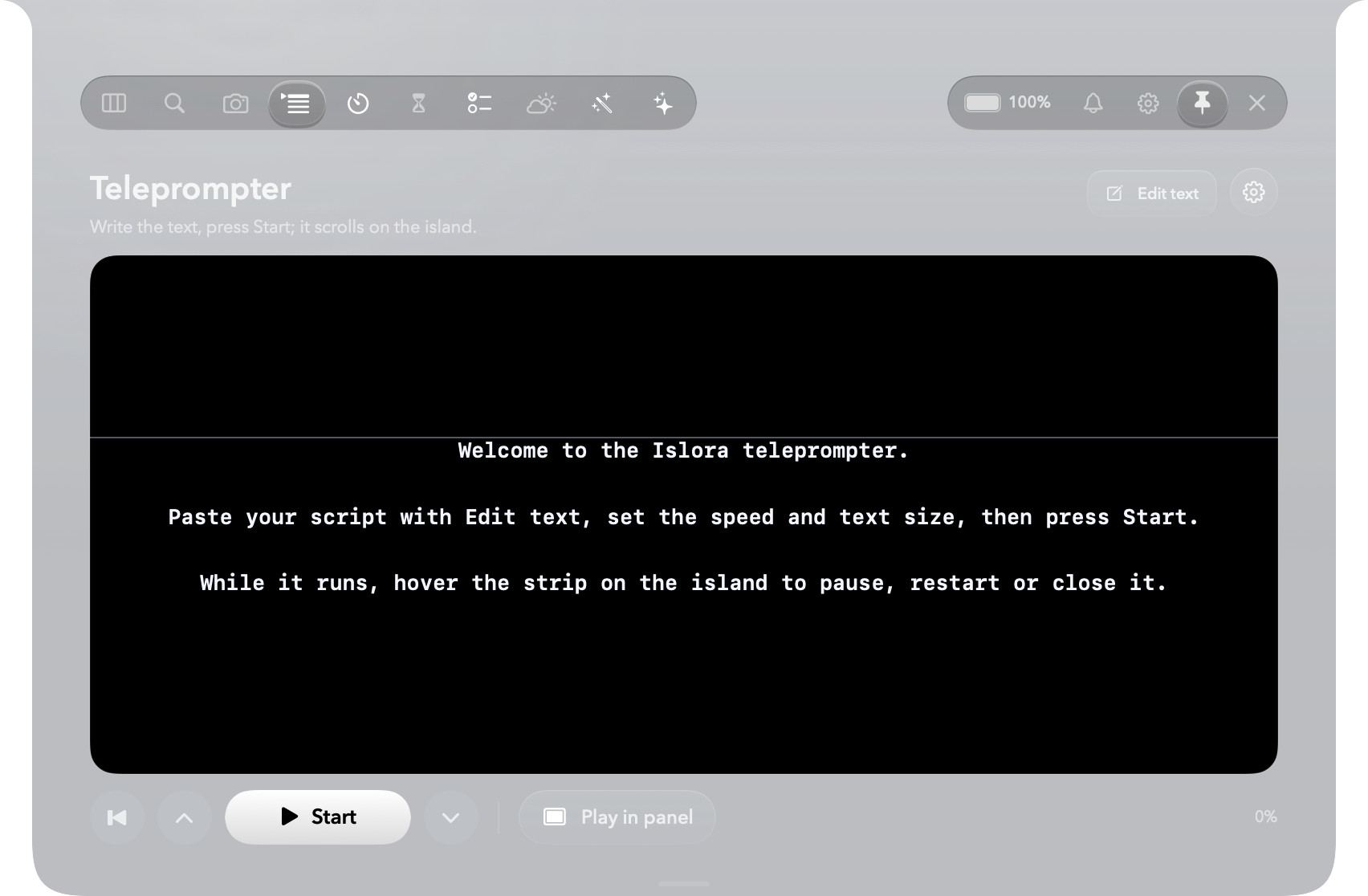
- AI usageHow much of your Claude and Codex limits is left, and when an agent finishes.
- MirrorA quick camera check before a call.
- Downloads that tidy upIslora asks how long a download should stay.
- Quiet AirDropNearby devices appear in the screen corners; drop on one.
- SuggestionsSmall, local hints at the right moment, like a Downloads folder that keeps piling up.
- Eco modeSlower timers and resting animations for long battery days.
Open it and it is already set up.
Islora starts with a layout that works: the Overview with useful widgets, the Dock with your own apps in two pages, Liquid Glass. No wall of permission prompts on first launch: each one is asked the first time you use the feature that needs it, and explained right there.
- Drag to ApplicationsOne universal app, a 68 MB download.
- Open itThe island is in the notch, the Dock at the bottom.
- Use itA 16-step tour is there if you want it, with switches right in it.
Not another notch toy.
What you would otherwise piece together from several apps.
| Islora | NotchNook | Alcove | Boring Notch | DockDoor Pro | |
|---|---|---|---|---|---|
| Notch hub with widgets | |||||
| File shelf and AirDrop | |||||
| Replaces the Dock | |||||
| Lock screen with depth and video | |||||
| Spotlight replacement | |||||
| Window tiling | |||||
| ⌥Tab window switcher | |||||
| Screenshot editor | |||||
| Mac maintenance | |||||
| Over-the-shoulder alert, AirPods focus | |||||
| Dock pets | |||||
| Price | $19.99 once | $25 or $3/mo | $12.99 | Free, unsigned | $20 |
From each app's own site and store page, October 2026. “Partial”: Alcove shows notch information on the lock screen but does not draw one.
Nothing leaves your Mac.
No account, no subscription, no analytics. Clipboard history, the search index, the shelf and your settings stay on this Mac. Permissions are asked only when a feature needs them, and each one is optional.
| Weather | MET Norway |
|---|---|
| Lyrics | LRCLIB |
| Exchange rates | Frankfurter (European Central Bank rates) |
| Market prices | Yahoo Finance, Binance for crypto |
| What you ask the assistant to look up | Wikipedia, or your browser |
| License check, once | Lemon Squeezy |
| Updates | islora.app |
One price, once.
Try everything free for 14 days. If it earns its place in the notch, buy a license; nothing renews.
- Activate on up to 3 Macs you own
- All 1.x updates included
- Everything on this page, no tiers
- 14-day refund, no questions
Payment and invoice by Lemon Squeezy, our merchant of record. VAT or sales tax is added at checkout where it applies.
Download
The trial is the full app for 14 days. Open the disk image, drag Islora to Applications, done.
Coming soonIslora 1.0 is in its last checks. The trial opens here first.
- Requires
- macOS 14 Sonoma or later
- Runs on
- Apple silicon and Intel, one universal app
- Size
- 68 MB download, 89 MB installed
- Signed
- Developer ID, notarized by Apple
- Languages
- English and Turkish
Questions
Does it work on a Mac without a notch?
Yes. On a display without a notch, or an external display, the island is a small pill in the same place at the top of the screen and opens the same way.
Does it replace the macOS Dock for good?
Only while Islora's Dock is on. Turn it off in Settings and the macOS Dock comes back. If Islora ever quits unexpectedly, it restores the macOS Dock on the way out.
Is the lock screen safe?
macOS still locks and unlocks your Mac with Touch ID or your password. Islora only draws a picture over the lock screen and never sees what you type.
Will it slow my Mac down?
No. Idle, Islora stays well under one percent of the processor while drawing its Dock, island and widgets. Timers slow down when nothing changes, closed panels stop working, and animations rest in Low Power Mode or when the Mac runs hot. An Eco mode trims it further.
How many Macs can I use one license on?
Up to 3 Macs that you own. Deactivate a Mac from Settings to free a slot.
Why does it ask for permissions?
Only for what you turn on: Accessibility to move windows and keep them above the Dock, Screen Recording for window previews, the camera for the mirror and the over-the-shoulder alert, the microphone for voice commands. Nothing is asked on first launch.
Can I get a refund?
Within 14 days of purchase, yes. Email support@islora.app with the order number. See the refund policy.